The process of creating original GIFs can feel intimidating at first, but once you dive in it’s relatively simple. Some preliminary steps, as laid out in Liz Blazer’s Animated Storytelling, Second Edition, are as follows:
- Concept Development: What is your peoject? What does it look like? What materials do you need? Who is the audience? What is the deadline?
- Hone your pitch: When you explain the project to someone, what does that elevator pitch sound like? It needs to summarize the project details, like tone, plot, theme. Make sure you have a solid understanding of the concept and idea before starting the project.
- Critical thinking: creativity thrives in dynamic environments, but that is not always condusive to large scale projects. Giving yourself clear structure on how to complete the project enables a smooth path forward. What are the steps you need to complete for this project to be finished?
Being intentional throughout this process is the key to your project’s success.
Animation vs Motion Graphics
Is there any significance between animation and motion graphics? Animation is often lumped in with filmmaking, thinking about the Walt Disney and Pixar movies from your childhood. There seems to be more of a commitment to character-driven stories in that aspect. Even video games seem to take more of the focus of the characters within them, with the storyline providing context about the different adventures/challenges you’re experiencing in-game.
Motion graphics are derived from the graphic design discipline, think about the more prominent focus on branding and content promotion. Motion graphics are an essential component of advertising: broadcast graphics, film title screens, the weather channel displays, news channel logos, and lastly think about all the different NFL title screens. Essentially, the motion elevates the elements of the brand’s graphic design.
Animation and Motion Graphics are just a way for the creator to tell the story in a visual way. The disciplines help to create the stories you’ve wanted to tell without the time and expense of hiring others to assist you in the process.
The different types of motion graphics
Onion Skinning
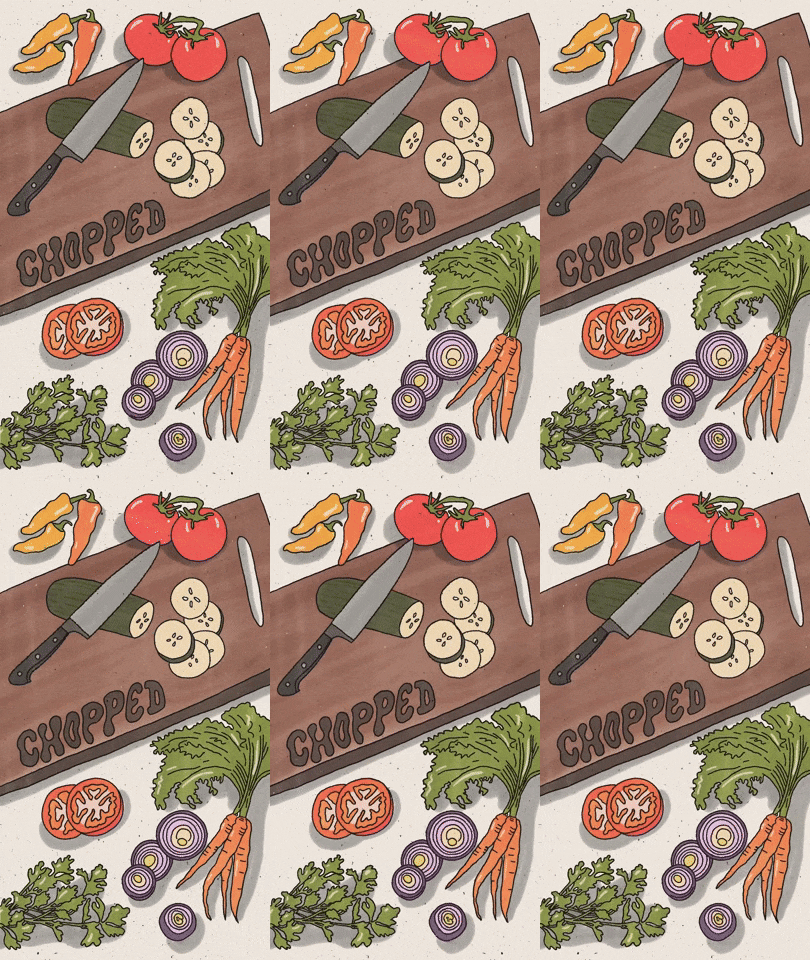
Usually hand-drawn and created frame-by-frame with seeing the previous version to be able to create movement. Chopped illustrates a knife cutting a cucumer repetitively, surrounded by other vegetables. The knife moves up and down in the same line, maintaining shape; and the cut vegetable falls into place perfectly on top of a previously sliced bit. This allows for a seamless transition into an endless motion.
Tweening (key framing)
This animation style has a start and end point, and then the software fills in the gap between to create seamless movement. James Shedden uses his physical sketchbook drawings, builds 3D models in Blender, and occasionally Photoshop, to make his drawings come alive. His drawings are whimsical and magical, and I highly suggest keeping tabs on his artwork!

Stop Motion Animation
Usually done with physical objects and documented with a camera. For instance, this GIF below shows someone cut out pieces of paper to depict a moka pot pouring coffee into a mug. Each frame must be slightly different in order to have the flow be smooth. Eventaully, when the storyteller has enough frames, each image is shown to create the motion.
Frame-By-Frame
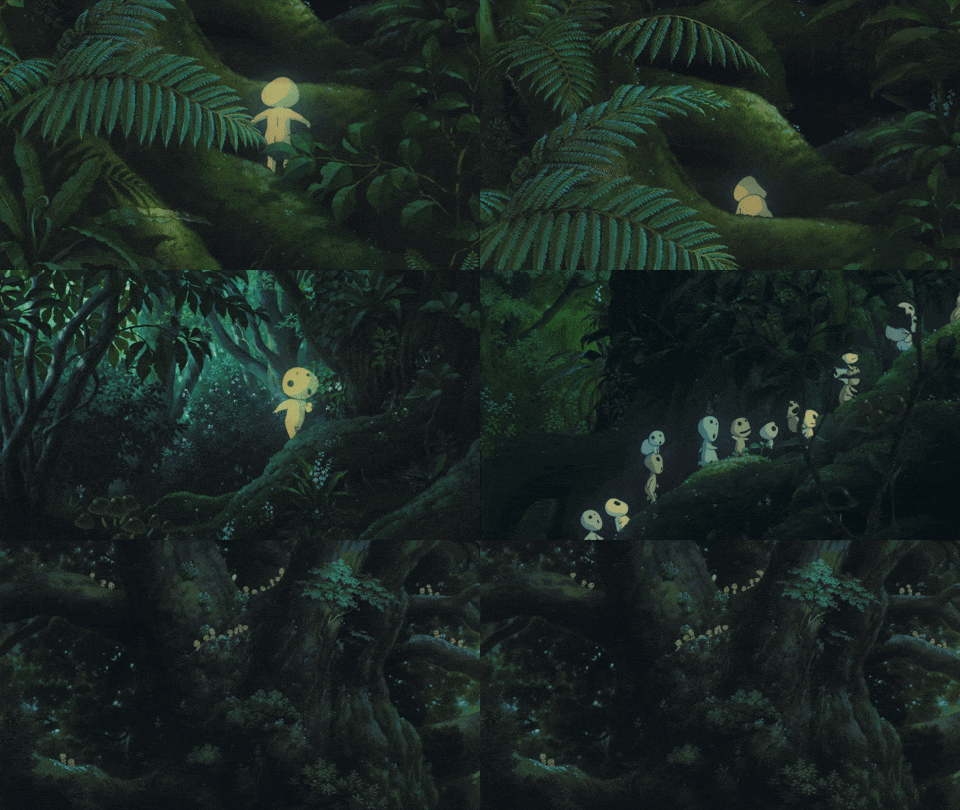
Studio Ghibli is well-known to hand draw, paint and create every frame of their films. Each frame is different from the last, and they must create a new frame with each new movement a character does.
Animated GIFs
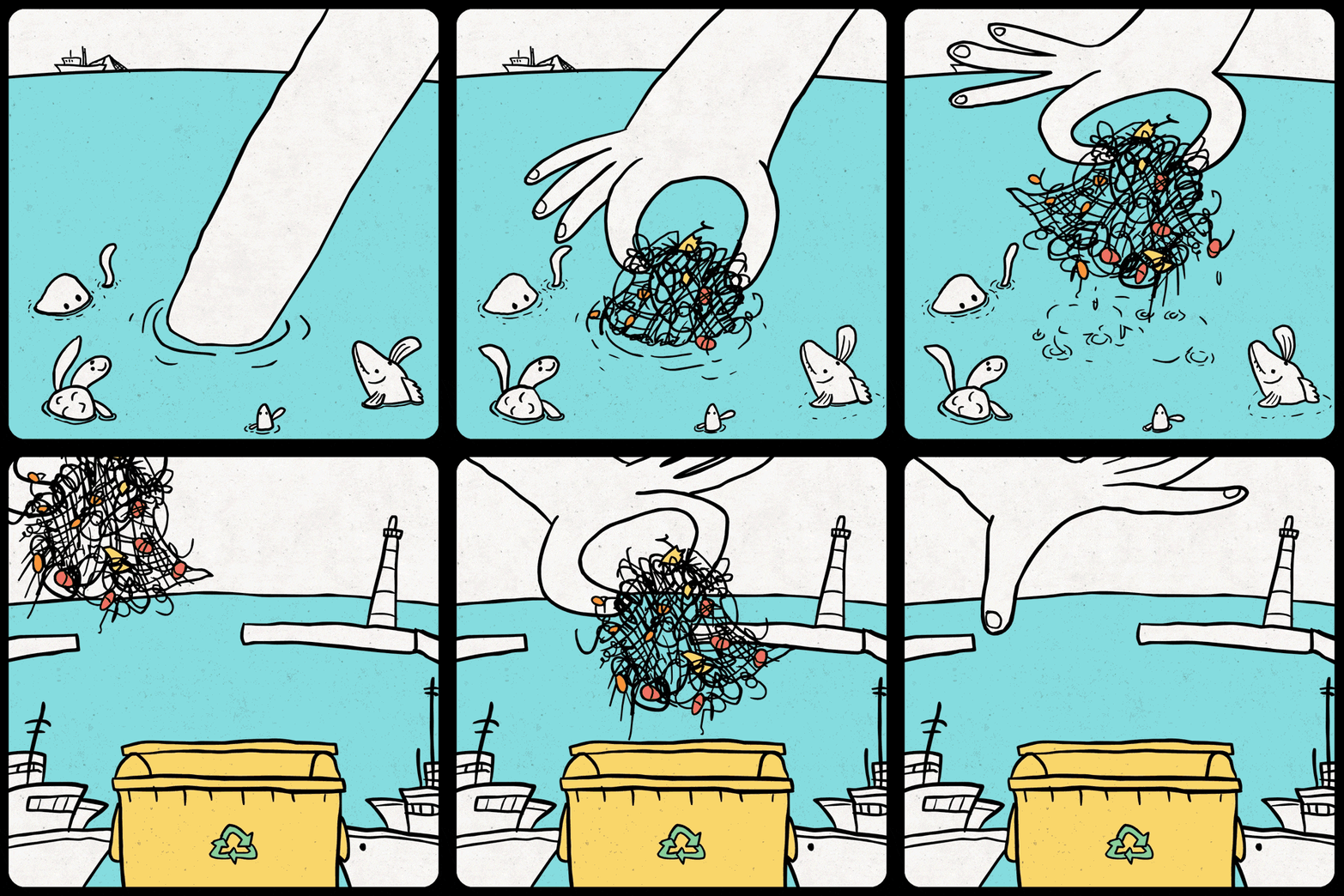
This one is a type of motion graphic that displays a sequence of images that create a short, repeating animation to tell a story. They’re straight forward and don’t need sound to be understood. In this one, a giant hand is shown taking out fishing nets and putting it into a recycling bin, and the ocean animals seem happy about that. It can be assumed that this .GIF was made in support of reducing discarded fishing nets from the ocean.
Cinemagraphs
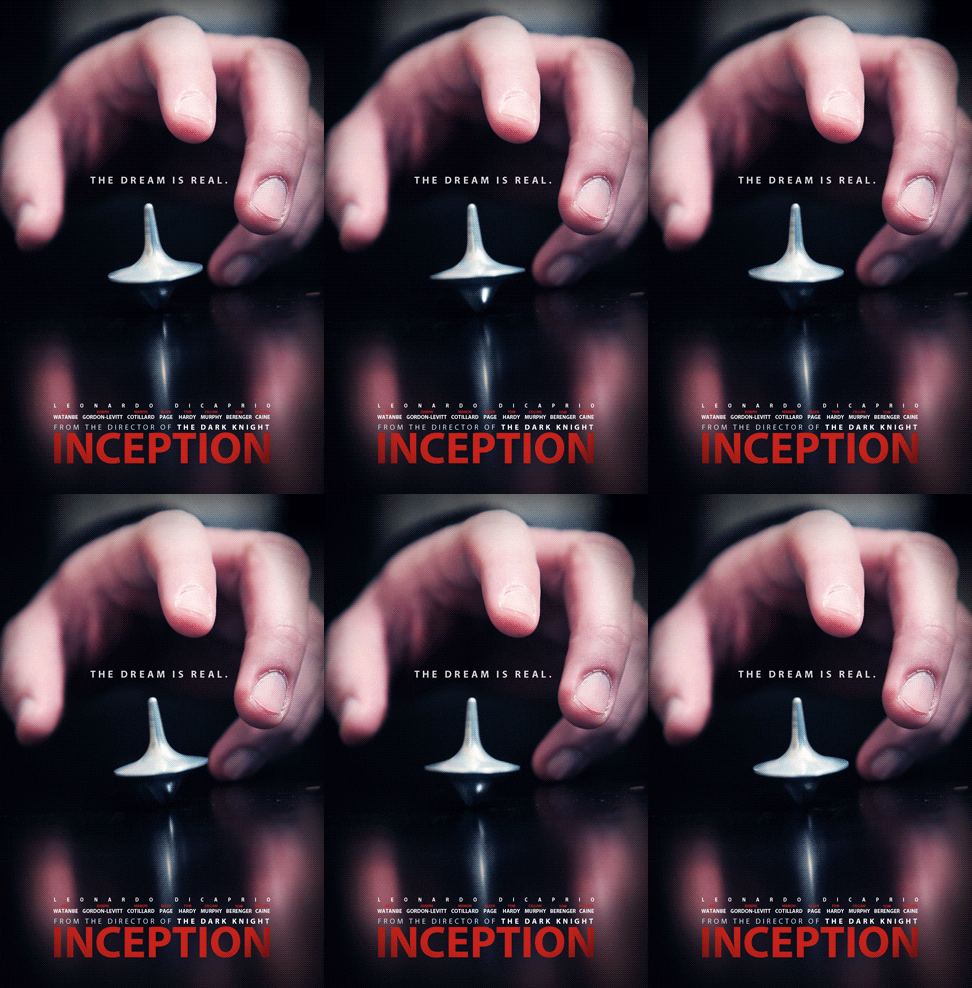
You see how the spinning top doesn’t stop, but the rest of the image is still? This indicates a cinemagrph. The movement is minimal with repetitive movements so the viewer can’t tell when the motion begins and ends. This Inception poster is well-known for the endless spinning top, indicating that the characters were still in a dreamscape.
So – what is a GIF?
GIF stands for Graphics Interchange Format. The format has the ability to store multiple images in one file, allowing the images to be played in sequence. Then when the last frame is displayed, it triggers the sequence to start again. A part of the programming within .GIF adds delays to each of the images within the file to form a video clip. Each delay is specified in hundreths of a second, making it impossible for viewers to see each individual frame – but see a short video instead (seeing the frames in sequence, albeit rapidly).
Creating a GIF
Onion Skinning
For this first GIF, I used Adobe Photoshop to hand draw, while being able to view the previous versions. I wanted to make a flower grow under the sun, with some storm clouds coming in with rain. The saying “no rain, no flowers” came to mind when I was brainstorming for this project.
Obviously the GIF being so fast was not my intention. I thought I had drawn a lot of frames to show the proper growth, but didn’t anticipate that it would come out like this. In the future, I will make sure that I space out the drawings. Adobe Photoshop also wasn’t saving my project as a GIF correctly. It kept saving the GIF file as a single image on whatever frame the project was on. For a first run at something like this, I think it came out okay. I just chose something too complicated to start with.
 Isabella Susino
Leave a comment